 StayPassLite
QR check-in. No kiosk needed.
Post a QR at reception. Guests check in on their own phones, and you receive completion alerts.
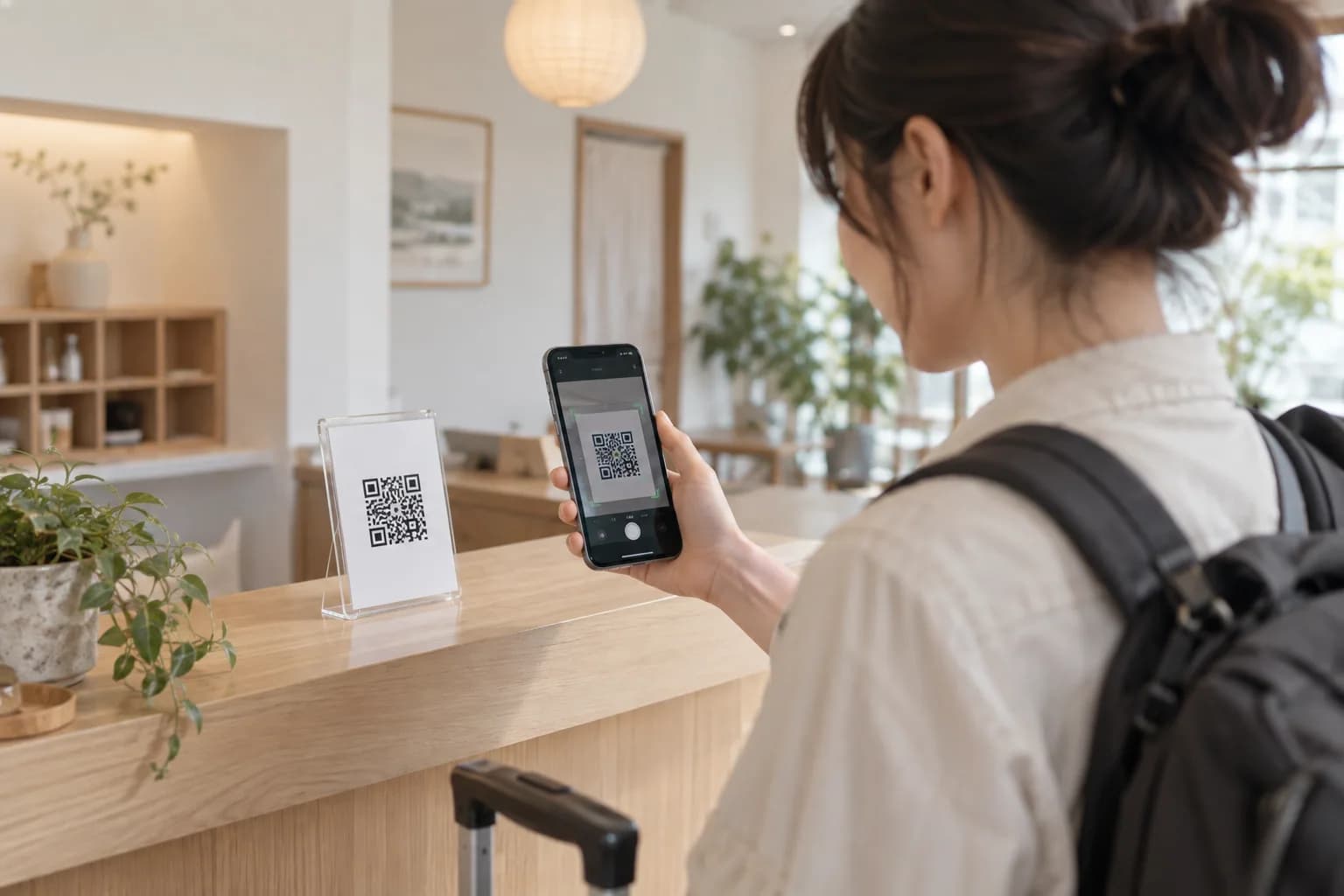
Less device upkeep. More peace of mind.
A printed QR at your property. A familiar phone in each guest's hand. Reduce the work and risks of shared devices.
- No dedicated device to maintain
- Print and display your QR. There is no check-in tablet or kiosk to install or charge.
- Fewer shared-device risks
- Personal phones reduce worries about tampered buttons, missing shared devices, or guest screens left open.
- Guidance after booking verification
- The QR holds only your property link. Guests receive room and door code guidance after verifying their booking and completing check-in.
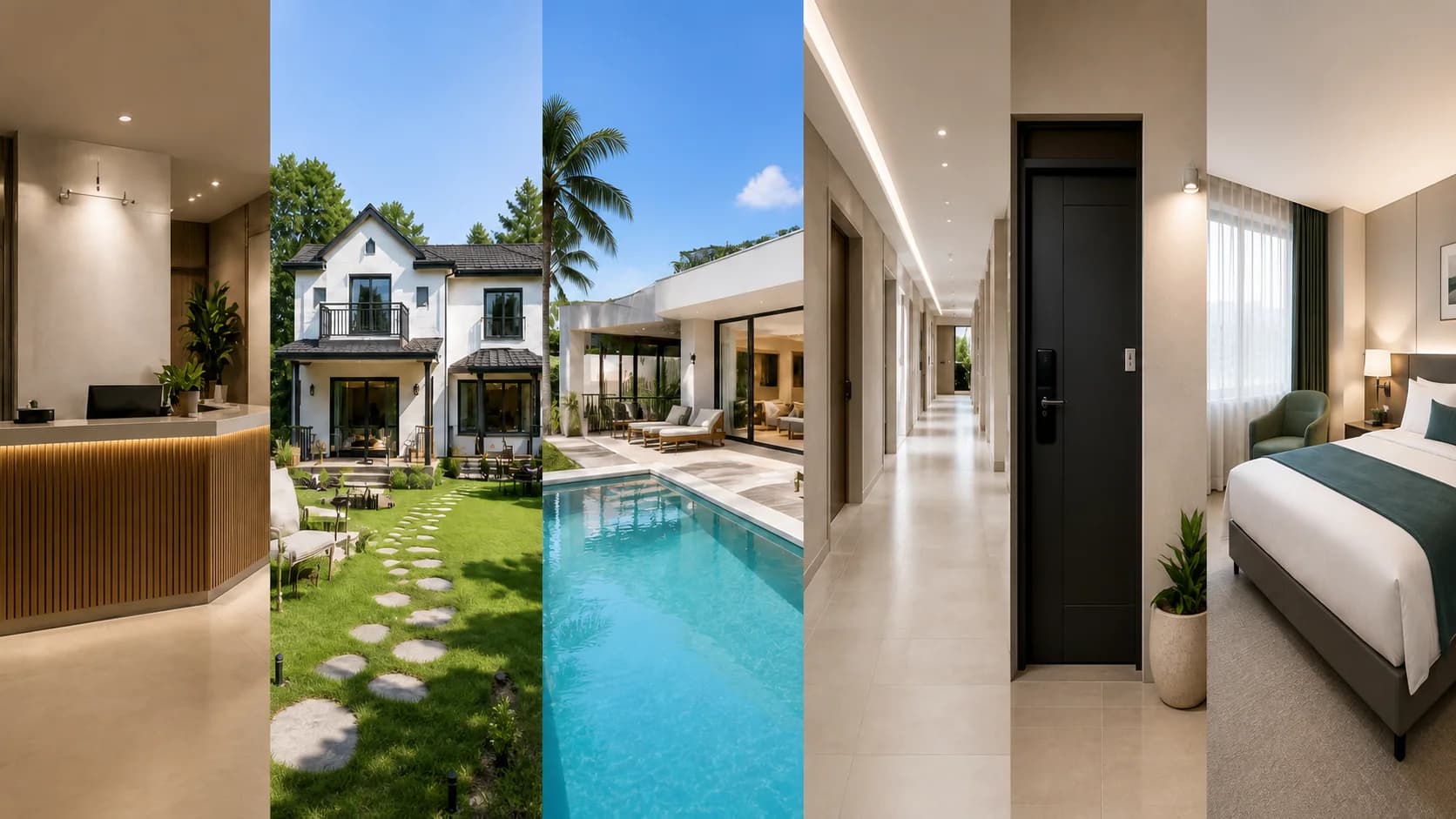
Recommended stay types
A self check-in flow built for stays with repeated guest guidance.
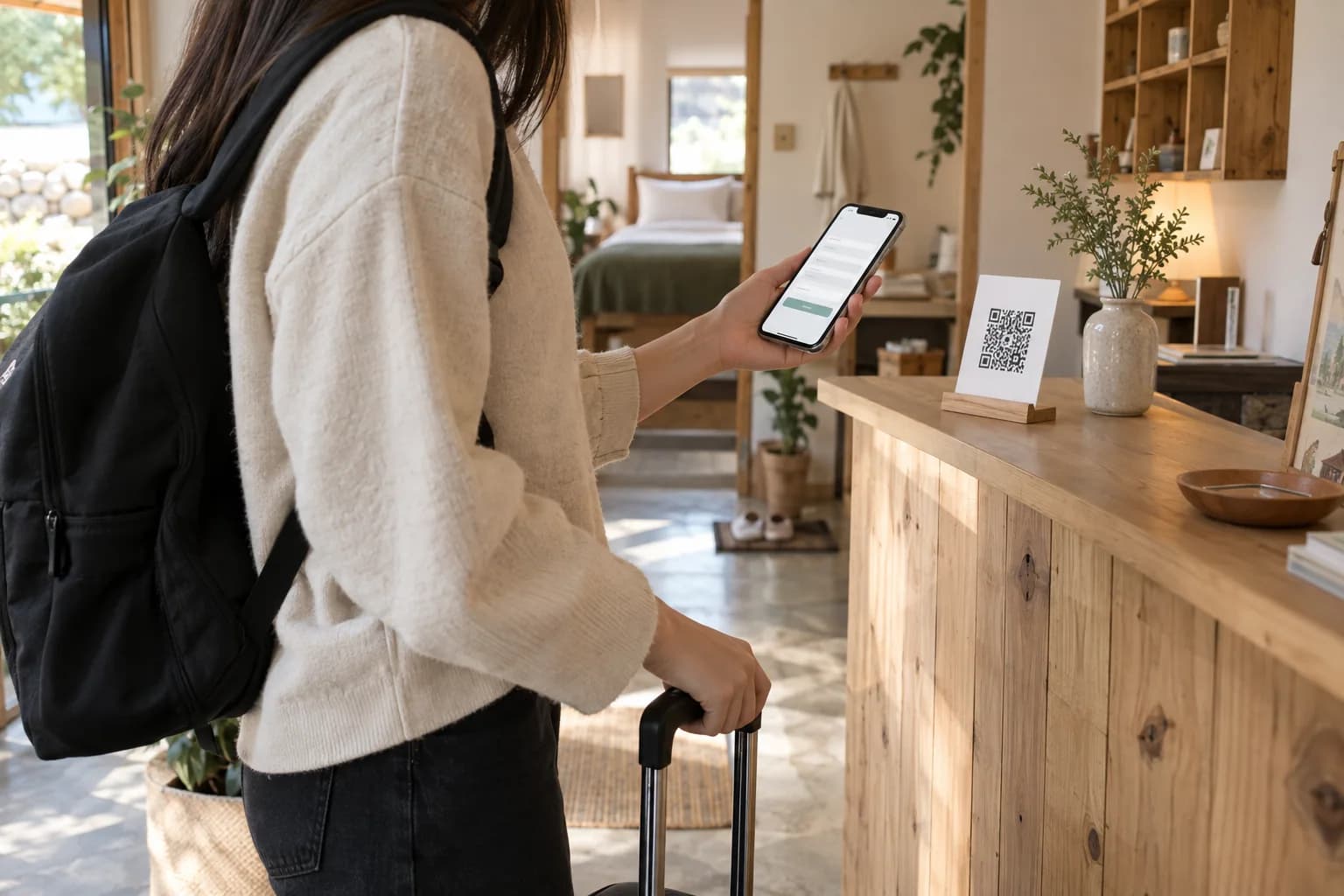
On the guest's own phone,from booking to room guide.
Guests scan the property QR on their own phones and look up a registered OTA booking using the guest name and OTA booking number. After any required agreement and check-in completion, they can view their room guide and door code.
Scan the QR
Use your phone camera to scan the QR at reception. No guest app or account needed.
Verify the booking
Enter the OTA reservation number and the name on the booking.
Consent and complete check-in
Finish the consent and signature requested by the property, then complete check-in.
View room and door code
See room guidance and the door code within the property's allowed entry time.
Owners receive an alert when a guest completes check-in.
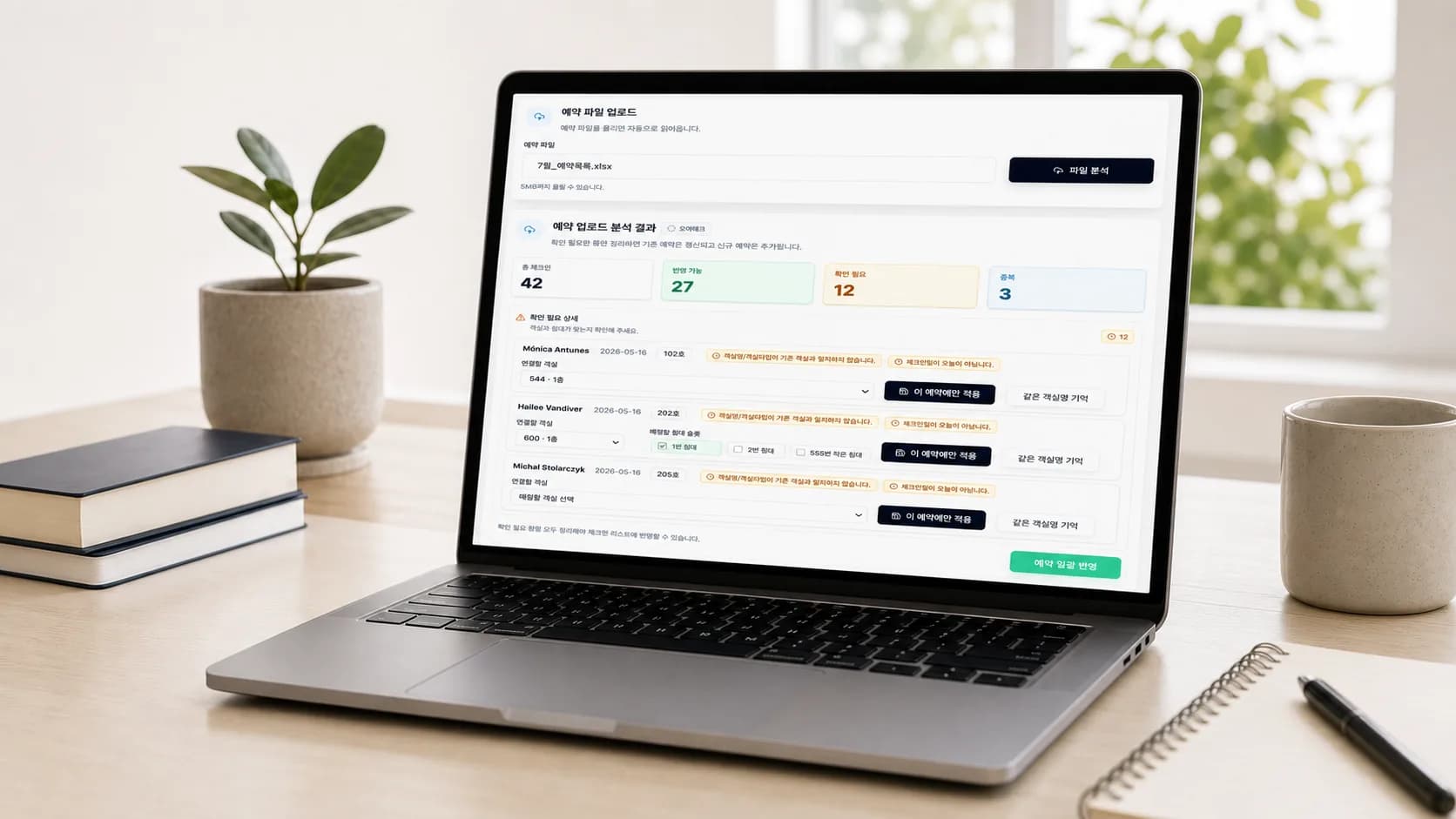
Reservation file upload
Upload reservation files from major booking platforms.
| Booking ID | Check-in | Check-out | Guest | Room | Pax |
|---|---|---|---|---|---|
| SP250520-001 | 2024-05-21 | 2024-05-22 | Emily Carter | 101 | 2 |
| SP250520-002 | 2024-05-21 | 2024-05-23 | Michael Brown | 102 | 3 |
| SP250520-003 | 2024-05-22 | 2024-05-24 | Sarah Johnson | 201 | 2 |
| ... | ... | ... | ... | ... | ... |
Booking platforms
PMS
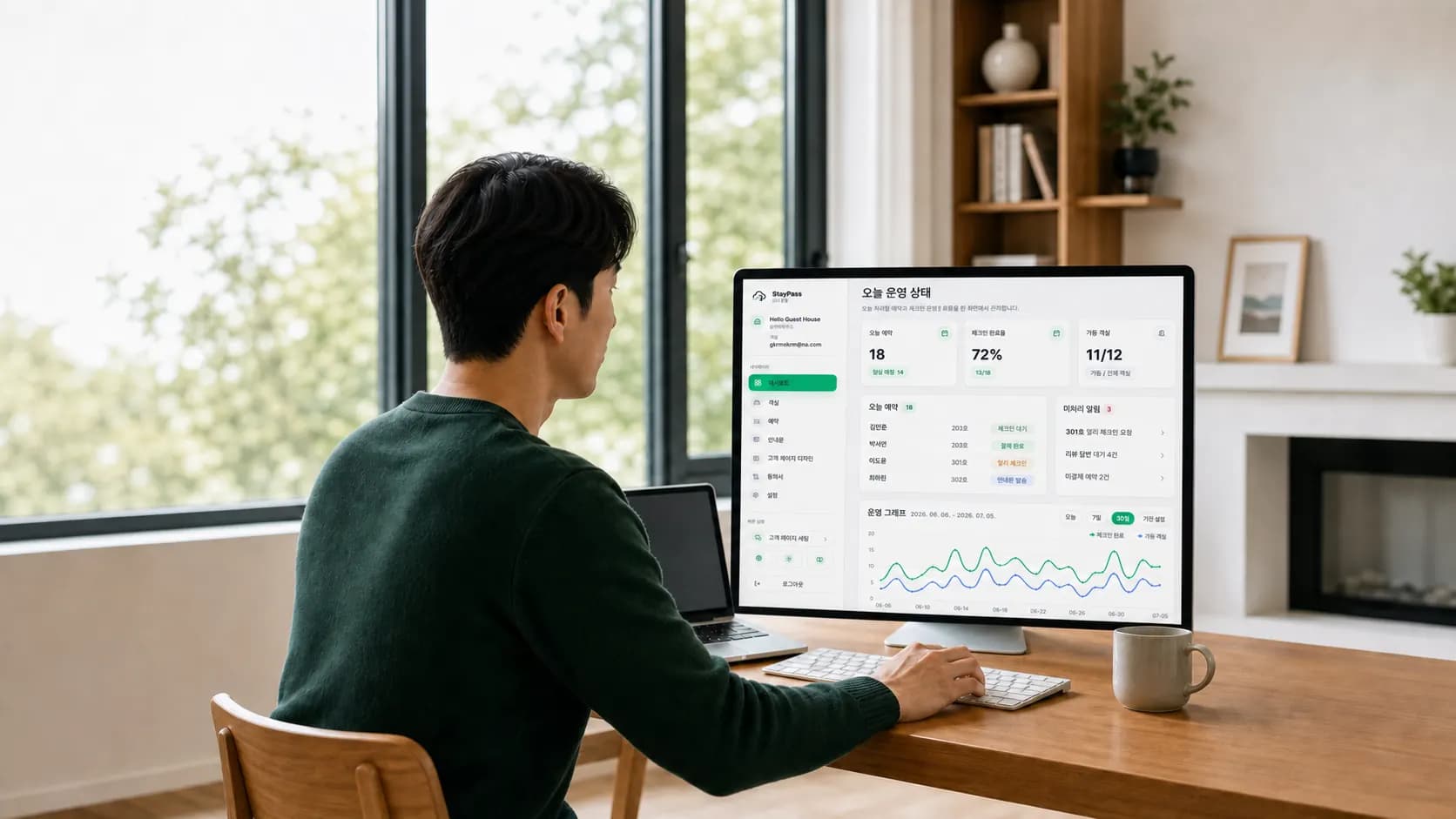
Owner setup, finished here.
Manage property details, rooms, reservations, guides, and agreements in one place.
Operation setup
- Room management
- Reservation management
- Property settings
Guest check-in
- Guide management
- Auto translation
- 6 languages
Agreement management
- Consent items
- E-signature
- Check-in connection
Guide language settings
Guest agreement

See every completedcheck-in instantly
When a guest finishes check-in, the owner gets a push and can check recent records in the inbox.
Today check-ins
Recent alerts
Owner setup, finished in one place
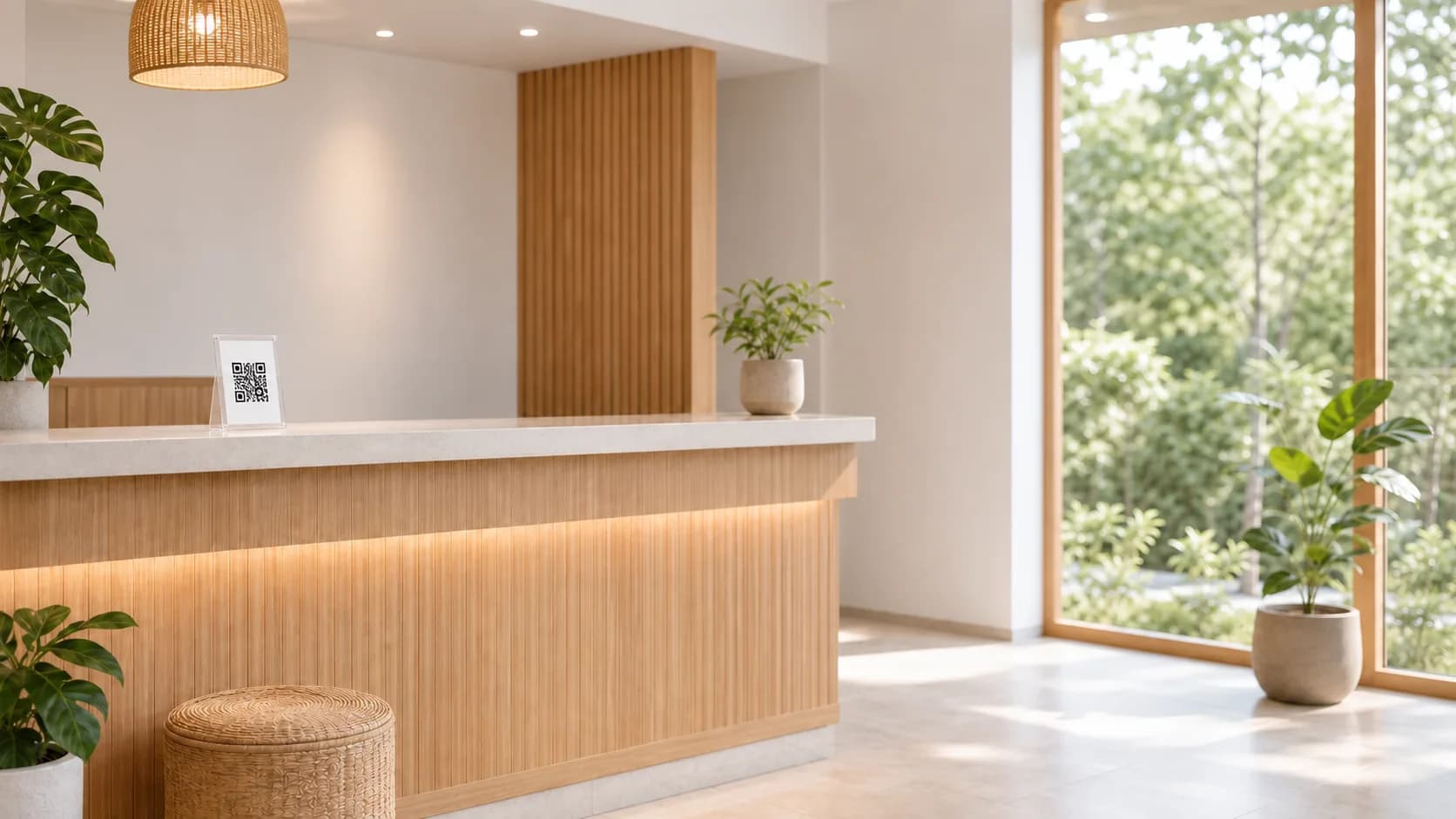
Post your property QR and start self check-in.
Download and post the property QR from the dashboard. Guests check in on their own phones, and owners confirm completion with an alert.
FAQ
Key setup questions, organized around the operating flow.
Can I run check-in without front desk staff?+
Yes. StayPass Lite connects reservation uploads, a property check-in QR, room guidance, door code release, and owner alerts in one flow.
Can guests self check in without an app?+
Yes. Guests can scan the posted property QR on a personal phone to verify a booking and complete check-in.
Do I need a dedicated check-in tablet or kiosk?+
No. Post the property check-in QR at the reception desk or entrance, and guests continue on their own phones. A shared check-in device is not required.
How is information protected during check-in on a personal phone?+
Using guests' own phones can reduce the burden of dealing with the loss or unauthorized use of a shared check-in device. The QR contains only the property's permanent address. Room guidance and door codes are shown after booking verification, any required agreement, and check-in completion.
Can agreements be collected during check-in?+
Yes. StayPass Lite can collect personal data consent, house rule confirmation, and e-signatures inside the guest check-in flow.
Can door codes appear at check-in time?+
Yes. Room guidance and door codes appear on the guest screen based on the check-in window and verification rules set by the owner.
Can owners see when check-in is complete?+
Yes. When a guest completes check-in, StayPass Lite records the arrival status and shows it in the owner app alert.
Does it fit pensions, guesthouses, and unmanned stays?+
Yes. StayPass Lite fits pensions, guesthouses, pool villas, residences, unmanned stays, and properties with repeated arrival guidance.